Stable release
CNC & laser software for beginners

Software that doesn't
complicate your life.

PilotCNC is beginner-friendly CNC and laser engraving software that runs in your browser. You wanted to cut and engrave, not become an engineer. PilotCNC brings design (CAD), toolpaths (CAM) and machine control together in a single Chrome tab, with nothing to install. Free to start. 🌐 Interface designed in French — switch it to English in one click with your browser's Translate button.

1,600+
active makers
$0
to start
9
firmwares
100%
browser
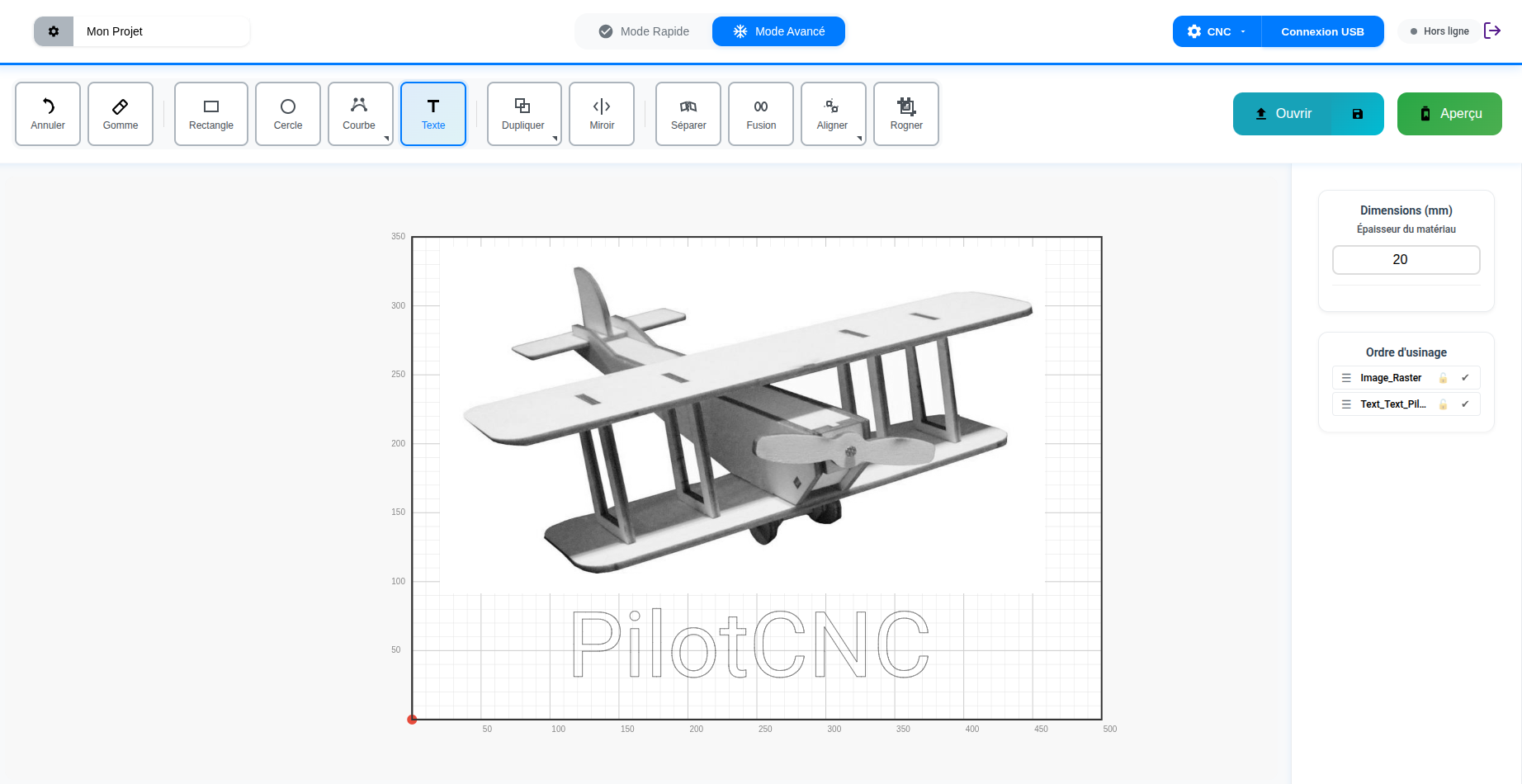
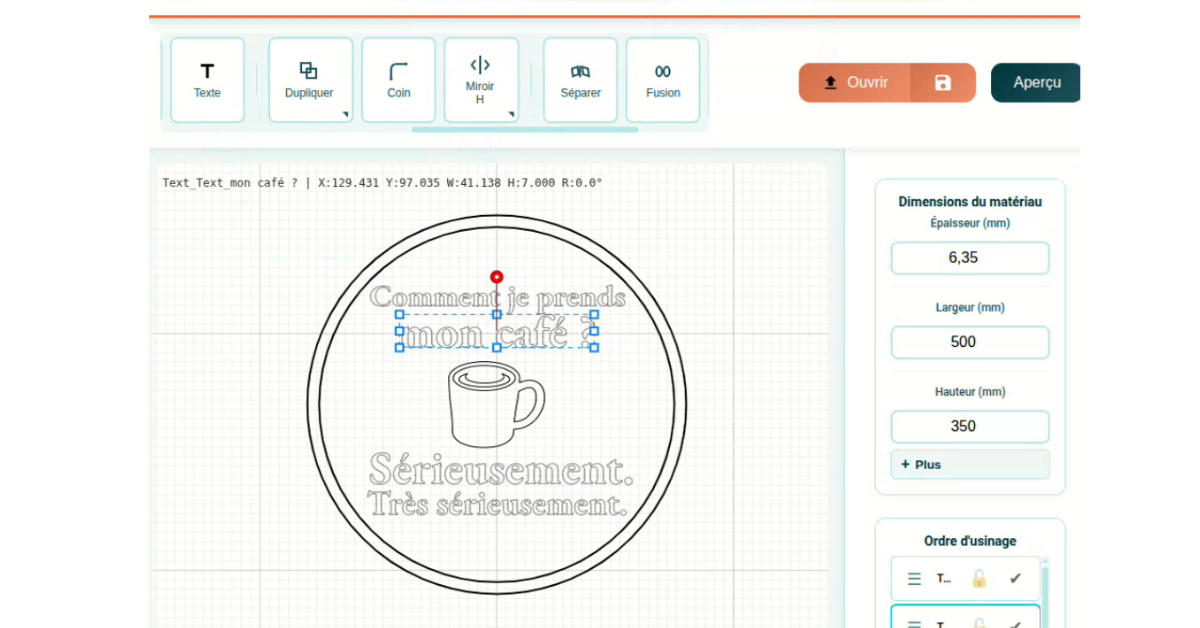
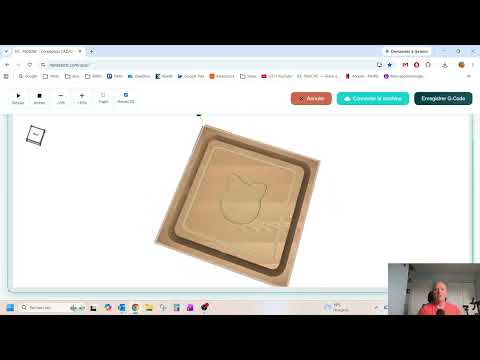
PilotCNC on screen
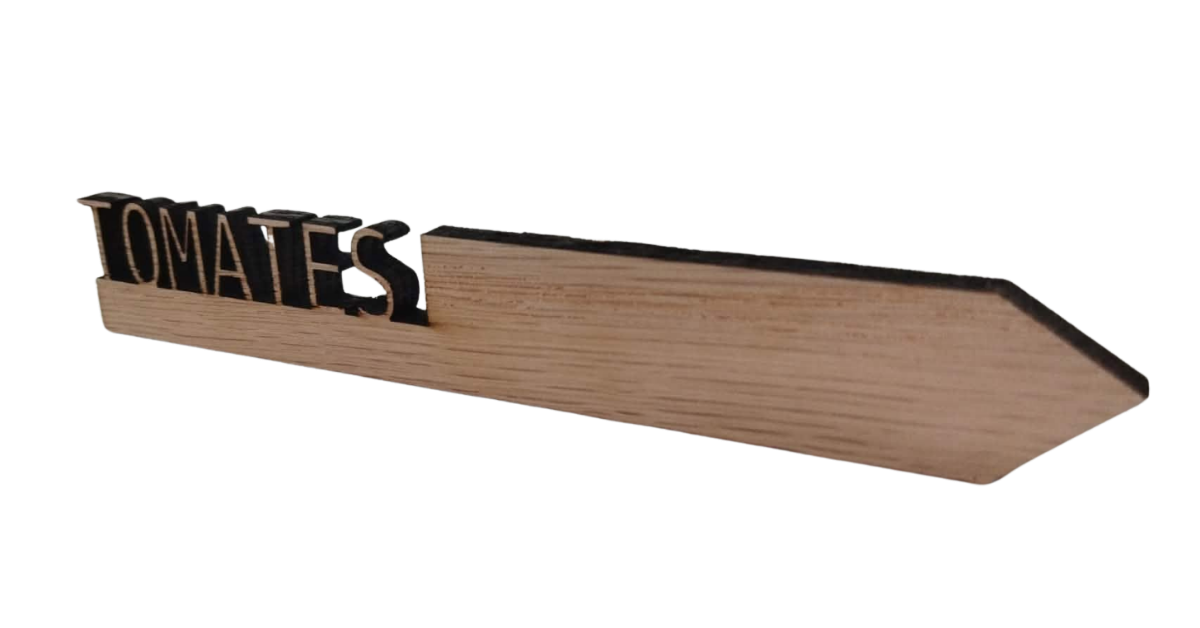
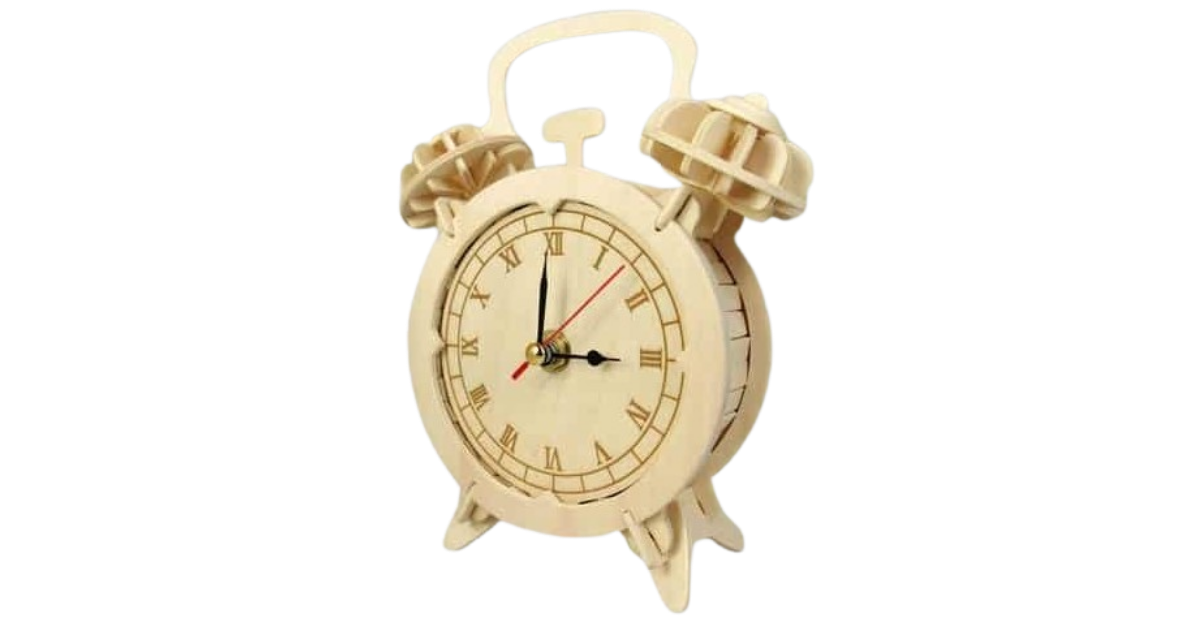
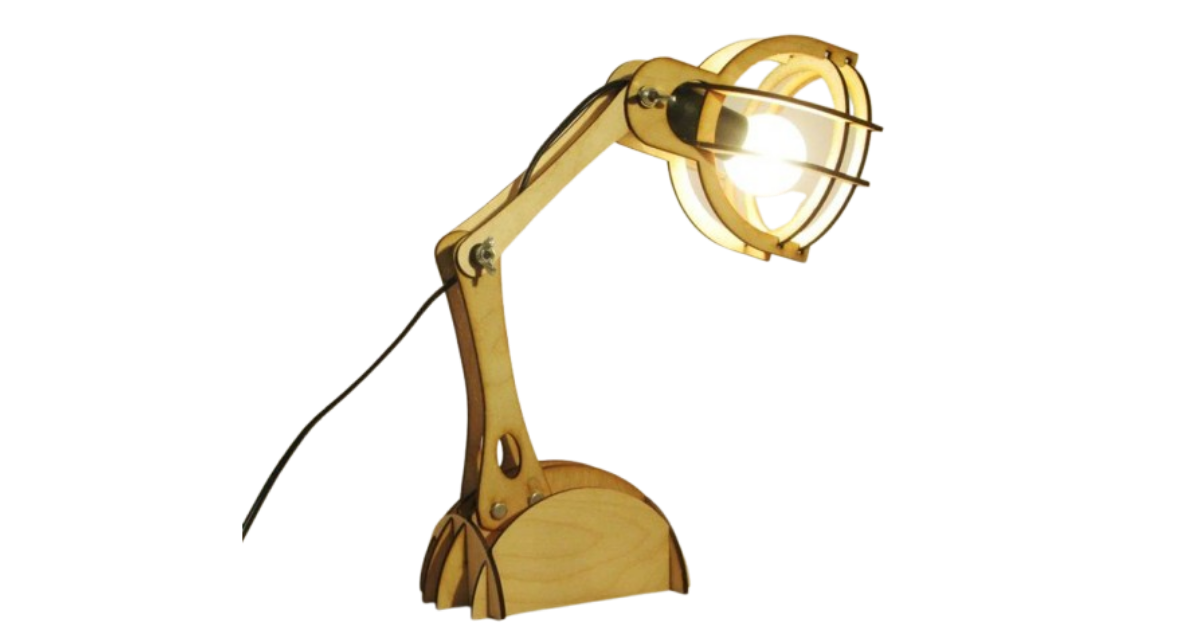
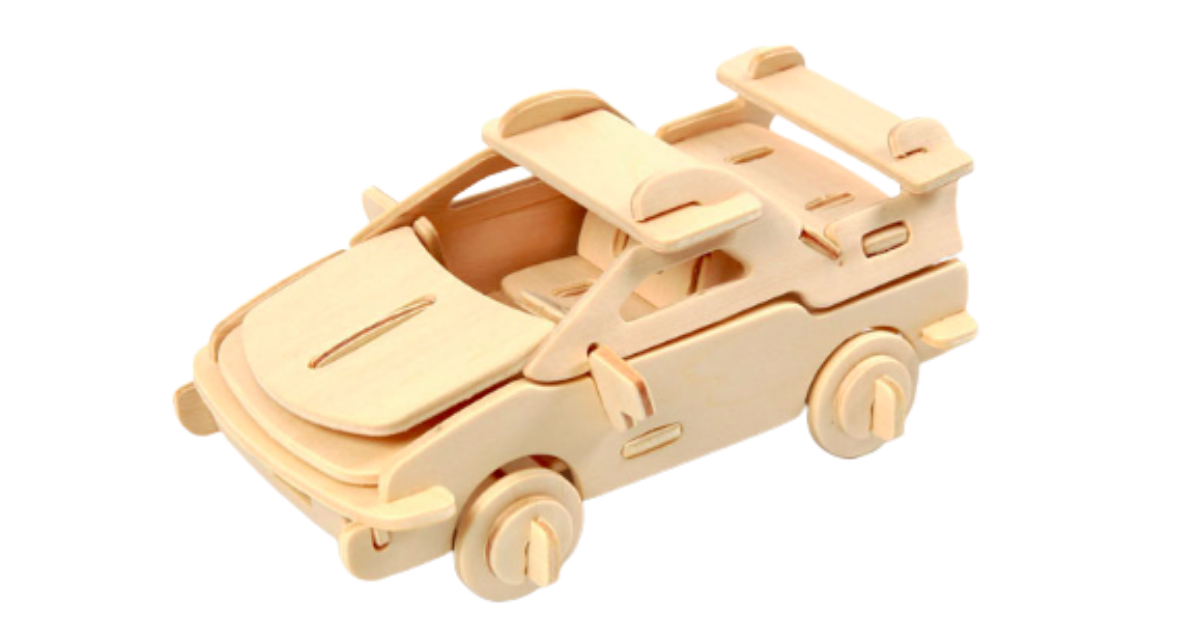
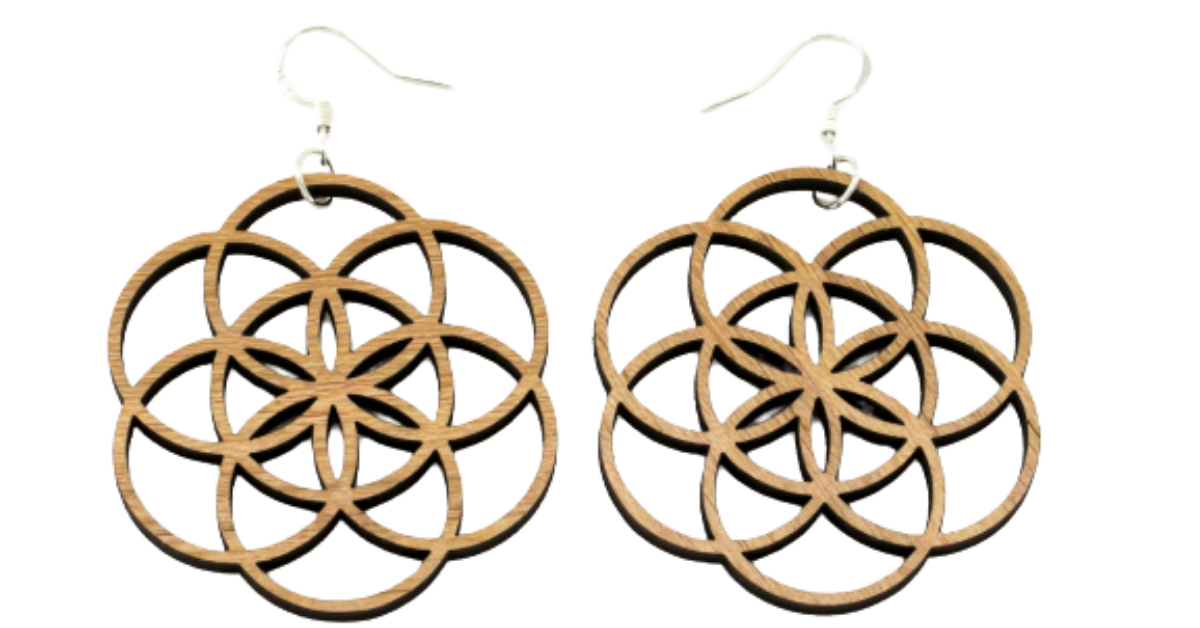
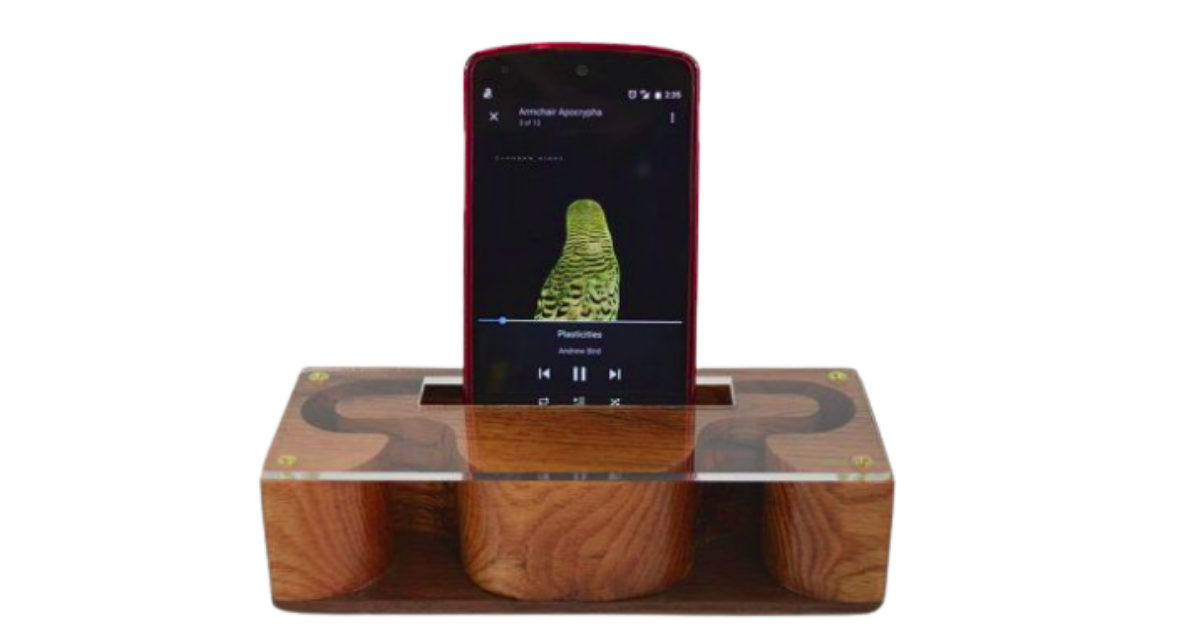
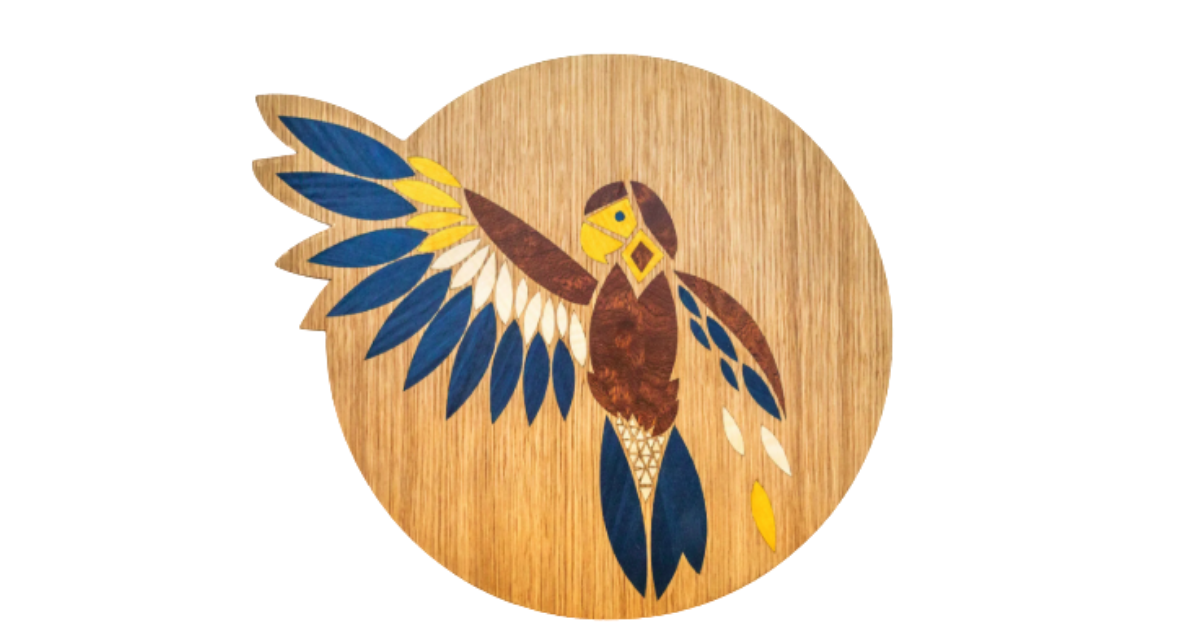
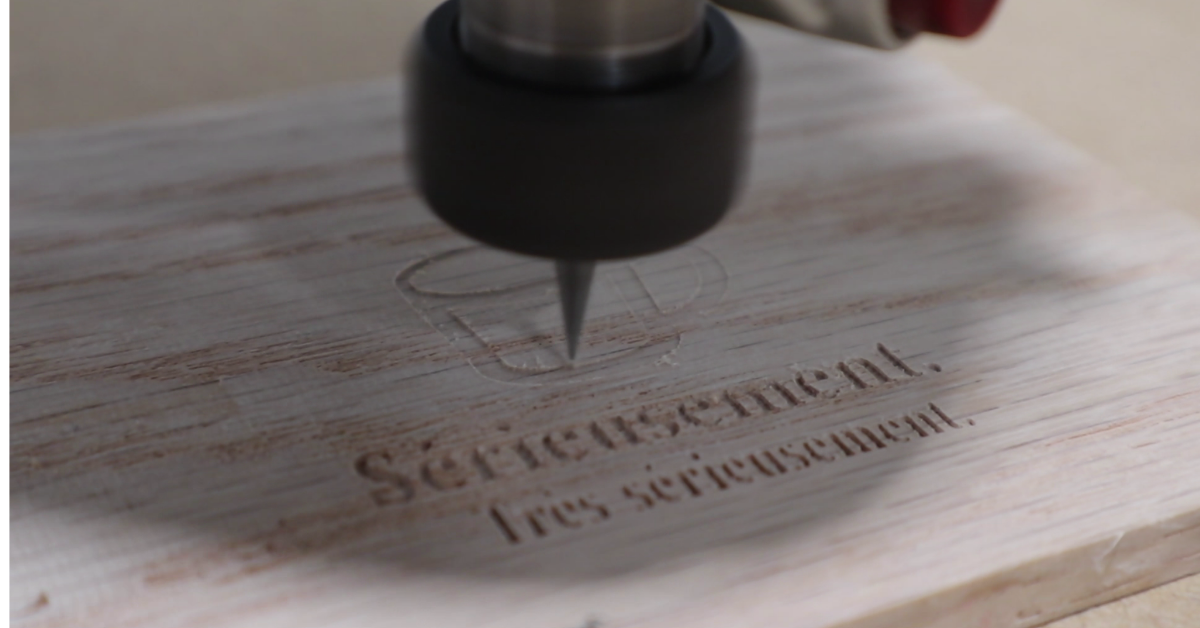
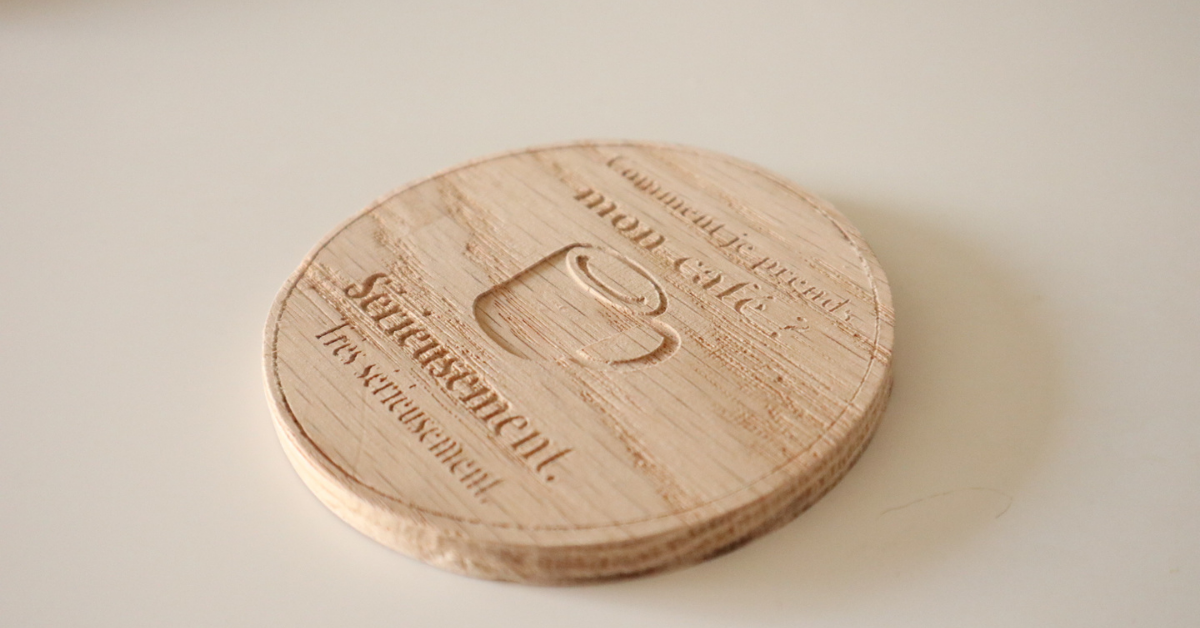
Project made with PilotCNC
🇨🇦 Made in Québec
🔄 CNC and laser — one tool
✓ Windows · Mac · Linux · ChromeOS
⚡ Runs on old PCs
🌍 100+ languages via browser translation
🎯 0.001 mm precision
📡 GRBL · Marlin · LinuxCNC · Mach3 · FluidNC
🆓 Free to start
👋 Bye LightBurn + MillMage + Easel
🇨🇦 Made in Québec
🔄 CNC and laser — one tool
✓ Windows · Mac · Linux · ChromeOS
⚡ Runs on old PCs
🌍 100+ languages via browser translation
🎯 0.001 mm precision
📡 GRBL · Marlin · LinuxCNC · Mach3 · FluidNC
🆓 Free to start
👋 Bye LightBurn + MillMage + Easel
1,600+
Active makers since launch
March 2026
Official launch · Stable release
9
CNC firmwares supported
0
Installs required
How it works

From idea to finished part,
in three simple steps

PilotCNC covers the whole CAD → CAM → machine control chain. No more juggling several programs.

Designing a project in PilotCNC
01

Design your project

Draw your shapes in the app or import an SVG / DXF file from Inkscape or Illustrator. Text, curves, pockets — all with 0.001 mm internal precision.

Generating G-code in PilotCNC
02

Generate your G-code

Set depth, speed and strategy. PilotCNC generates clean, optimized G-code for your firmware — GRBL, Marlin, LinuxCNC and more.

Controlling a CNC machine with PilotCNC
03

Run your machine

Connect your CNC or laser over USB in Chrome — directly, with no driver in most cases. Home it, set your zero, and start the job from the same tab. All-in-one.

Why PilotCNC exists

"I was tired of juggling
LightBurn, MillMage and Easel."

LightBurn
Laser only.
Install required.
Complex interface.
+ another program for your CNC
MillMage
CNC only.
Install required.
Complex interface.
+ another program for your laser
Easel
Browser-based, nice.
Limited features.
Local driver to install.
+ Pro plan for advanced work
💡

PilotCNC brings it all together in one tool, in your browser. You design, generate the G-code and run your CNC or laser — without switching tabs and without installing anything.

G
Gildas Gatel
Founder, MeissaCNC · PilotCNC · Québec, Canada 🇨🇦
Why PilotCNC

One tool.
All-in-one. In your browser.

🌐

Nothing to install — ever

PilotCNC opens in Chrome or Edge. The USB connection works directly through the browser. If your system needs it, a small optional driver takes over — but most don't.

🔄

CNC and laser — one tool

LightBurn for the laser, MillMage for the CNC — no more. PilotCNC switches from one mode to the other in one click and only shows what your machine needs.

🗣️

Made in Québec, in French

Designed in French by a maker. Use it in English — or in 100+ languages — with your browser's built-in translation. Millimeters or inches, your choice.

📐

Professional precision

WebAssembly computing engine with 0.001 mm internal precision. Your parts come out to size, even on an entry-level machine.

⚡

Light on any computer

Runs on a 1.2 GHz dual-core with 2 GB of RAM. The old laptop in your workshop is probably good enough.

💾

Your projects stay with you

Saved locally in your browser. No design data is sent to a server. Pick up right where you left off.

Two machines, one software

CNC milling or laser engraving

The interface adapts to your machine. You only see the settings that matter.

🟢 Milling mode

CNC milling

Cut wood, plastics and soft metals with precision.

  • Outside, inside and on-line profiles
  • Pockets with adjustable strategy
  • V-carving for lettering and patterns Premium
  • Tabs to hold your parts in place
  • Ramping entries to spare your bits Premium
  • Trochoidal strategy for hard materials Premium
  • STL import and 3D reliefs Premium
🟠 Laser mode

Laser engraving & cutting

Engrave photos and cut shapes with fine control.

  • Vector line or fill
  • Raster engraving of photos and gradients
  • Multiple passes and Z step
  • Built-in air assist
  • Reusable material profiles Premium
  • Advanced raster strategies Premium
Compatibility

Your machine is probably
already compatible

PilotCNC works with every GRBL CNC and common laser engravers. LongMill, Shapeoko, Fox Alien, generic 3018 — if you run GRBL, you're ready.

Platforms

Windows
macOS
Linux
ChromeOS

Direct USB connection through Web Serial (Chrome/Edge 89+) — no driver needed in most cases. If your system requires one, the optional PilotCNC Core driver takes over on any OS.

Supported firmwares

GRBL
Marlin
LinuxCNC
Mach3
FluidNC
TinyG
Smoothie
RichAuto
Ruida (in validation)
+ more
Seen & tested

Independent creators
tested it for you

No staging. Makers testing PilotCNC on their own machines. Videos in French — YouTube can auto-translate the subtitles.

What they say

Makers like you
found the joy of making again

Real feedback received on YouTube, Facebook and by email — translated from French.

▶ YouTube

My 9-year-old grandson made an engraving in 15 minutes. PilotCNC is going to open up a whole new world for everyone.

R
Réjean Vendette
YouTube comment
f Facebook

First project with PilotCNC. I'm pretty happy with the result — all that's left is sanding, rounding the edges and a good coat of varnish.

W
Warren Petit
Facebook comment
✉ Email

The Magic Eraser feature is great! And the tool change — excellent.

Y
Yannick Deplanque
Feedback by email
▶ YouTube

Great feature, and it keeps things simple. Thank you!

R
Rémy Picard
YouTube comment
▶ YouTube

Thank you for your work.

A
Alain Frénois
YouTube comment
Pricing

Start for free.
Go Premium when you're ready.

15-day free trial on Premium. No credit card to get started. Cancel anytime, in one click. Prices in Canadian dollars (CAD).

Free
0$
Forever

  • USB machine connection (Web Serial)
  • SVG and DXF import
  • Multi-firmware G-code generation
  • Machine control (jog, homing, overrides)
  • CNC mode + laser mode
  • Photo import
Use it for free

No card required

Premium · Monthly
$27
/ month + tax · no commitment

  • All Premium features
  • Cancel anytime
  • 5-day grace period after renewal
  • Instant access to all of Premium
  • Monthly live Premium sessions (in French)
Try 15 days free

No commitment · Cancel in one click

🛡️

Zero risk — you stay in control

Cancel whenever you want, with no notice, from the subscription link on any Paddle invoice. Your access continues until the end of the paid period. Change your mind within 5 days of a renewal and you get a full refund. Your price never changes, even as the software evolves.

FAQ

Everything you want to know
before you start

Is PilotCNC available in English?

The PilotCNC interface is designed in French. It works in English — and in 100+ other languages — through the built-in translation of Chrome or Edge: right-click the page and choose Translate to English. G-code, machine commands and units (millimeters or inches) don't depend on the language.

Which CNC software should a beginner choose?

Beginners usually need three programs: one to design (CAD), one to create the G-code (CAM) and one to control the machine (Candle, UGS…). PilotCNC does all three, in the browser. Pick your machine from a list (Genmitsu 3018, Shapeoko, LongMill, Fox Alien…), the software sets up the rest, and you start your first part without installing anything.

Is PilotCNC a LightBurn alternative?

For diode lasers running GRBL and the xTool D1, yes: PilotCNC engraves, cuts and controls the laser from the browser, and the same software also runs your CNC router. Your LightBurn projects (.lbrn, .lbrn2) can be imported, layer by layer, with their settings. To be fair: for Ruida CO2 controllers or galvo fiber lasers, LightBurn is currently more complete.

Does it work for both CNC and laser?

Yes — one software for both machines. One button switches between CNC router mode and laser engraver mode, and every setting adapts to the selected machine.

I'm a beginner. Is it too complicated for me?

PilotCNC adapts to your level. Beginner mode hides advanced options and gives you quick actions — Engrave, Fill, Cut. When you're ready, switch to Advanced mode to unlock everything.

Can I really try it for free?

Yes. Sign up for free and get instant access to the free version, with no credit card. Premium adds advanced features, with a 15-day free trial.

Is my machine compatible?

If your machine runs GRBL (LongMill, Shapeoko, Fox Alien, generic 3018…) or a common firmware (Marlin, FluidNC, TinyG, Smoothieware), PilotCNC controls it directly. It also generates G-code for LinuxCNC, Mach3 and RichAuto. The built-in catalog covers 39 brands and 141 models.

My computer is old. Will it run?

Probably. The computing engine runs in WebAssembly in the background: it's smooth on a ~1.2 GHz dual-core with 2 GB of RAM, on Windows, macOS, Linux or ChromeOS.

Want to go further?

Full help center (in French)
Ready to start?

Your machine is waiting.
So is your first project.

Open PilotCNC in your browser now. Free, no card, no install.
Your first part could be running tonight.

What you get when you start today
  • The free version — CNC + laser, no card, no install, forever
  • 15 days of Premium — V-carving, 3D reliefs, libraries and advanced strategies
  • A price locked for life — your rate never changes, even as the software evolves
  • Zero risk — cancel in one click, no notice, refunded within 5 days of a renewal
✓ No card required
✓ Cancel anytime
✓ 1,600+ active makers
✓ Windows · Mac · Linux